
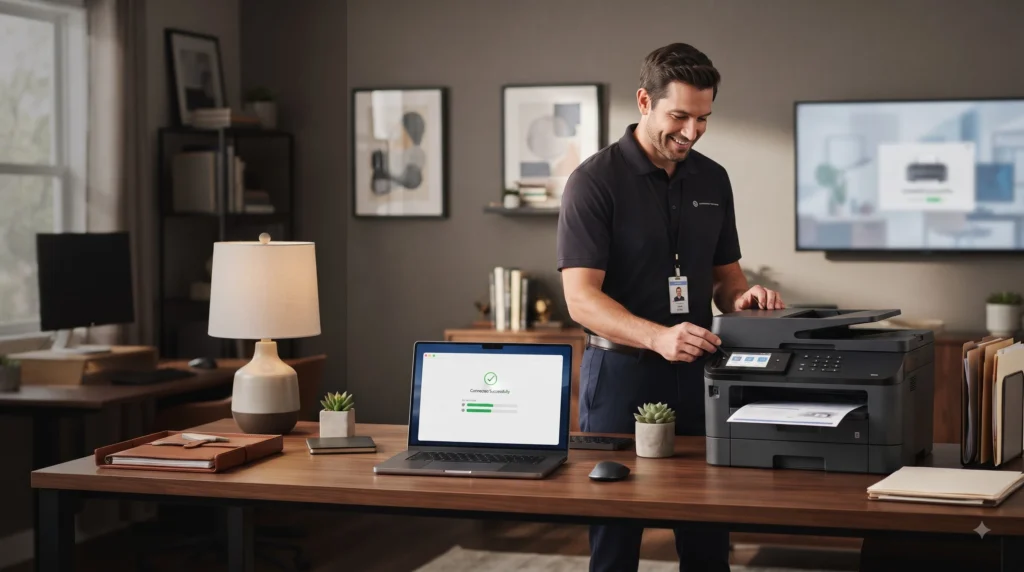
Getting a new printer should be very easy; you just need to plug it in, connect it to your computer, install the driver, and then finally you can begin printing.
In fact, the printer setup process can also become frustrating. Somehow the printer might not show up on your computer, and Windows may fail to pick up the device. A wireless printer could connect to Wi-Fi but still not print. There are cases in which the printer installs properly but produces driver errors, displays offline messages, or has problems with the print queue.
This is where printer installation services become so helpful. A professional printer setup can save you time and ensure that your device is correctly configured right from the start.
What do printer installation services consist of?
Printer installation services include installing the printer and ensuring that it works properly with your computer and network.
A professional printer setup service can include:
- Installing the printer hardware
- Connecting the printer through USB or Wi-Fi
- Installing the correct printer drivers
- Configuring network printers
- Setting the printer as the default device
- Testing print and scan functions
- Fixing common connection problems
- Configuring multiple computers to use the printer
- Troubleshooting printing errors
The setup of a printer for businesses also includes configuring a shared printer for use on a number of computers or linking a multifunction printer (MFP) to the existing office network.
Microsoft recommends that when carrying out the installation, the wireless or network printer and the Windows computer should be on the same network. Then Windows will be able to search for the printer by going to Settings > Bluetooth & devices > Printers & scanners.
Why is it so difficult to set up a printer?
A printer is not just a device that is connected to your computer. It is a system mix of hardware, drivers, operating-system settings, network configuration, and printing preferences.
For example, you might have a printer that switches on properly but still refuses to print; in this case, the issue could be in various forms, such as the driver, the network connection, the print queue, the wrong printer having been chosen, or the communication between the computer and the printer.
One more common problem could be the driver; a printer may be able to be installed with only basic functions but will not offer all of its features until the correct driver or software has been installed.
What does a professional printer installation consist of?
An adequate printer setup service has much to do with more than just connecting the device.
1. Printer Connection
The technician determines if the printer should be connected using USB, Wi-Fi, Ethernet, or another connection that is supported.
2. Driver Installation
The correct printer driver and the necessary software have been installed and set up.
3. Network Configuration
The technician checks the connectivity of network printers and ensures that the printers can communicate with the computers that need to access them.
4. Printer Configuration
You can set various options according to your needs, such as choosing the default printer, setting the paper size, adjusting the print preferences, and selecting the available printer functions.
5. Test Printing
A test print can be used to verify that the installation is working properly.
6. Troubleshooting
Should a problem arise during the installation, the technician should investigate it rather than leaving you with a printer that is technically connected but in fact unusable.
What to Check Before Booking Printer Setup
Before requesting a booking of printer installation service, keep a few things ready:
- Printer model and manufacturer
- Computer operating system
- Wi-Fi or network details, if applicable
- Printer cables
- Printer power supply
- Any installation discs or documentation
- Administrator access to the computer, if required
Having access to this information can help to make the setup process easier.
Conclusion
If you’re installing a new printer, connecting it to Wi-Fi, setting up a network printer, or having any problem related to it, you need proper technical support to simplify the process.
Professional printer installation services will help you set the settings correctly in place and will allow you to avoid such common problems as printers that are offline, the use of wrong drivers, failed connections, and errors in the print queue.
FAQs
What does a printer installation service consist of?
The printer installation service involves work like connecting the printer, installing the necessary drivers, configuring the USB, Wi-Fi, or network connections, setting the printer preferences, and doing a test print.
Can you arrange a printer remotely?
Yes, many printer setup problems can be solved remotely. Remote assistance can help with driver installation, printer configuration, software settings, and any network-related problems.
Why isn’t my computer picking up my printer?
It may happen that your computer fails to detect the printer due to an incorrect connection, network problems, or a communication fault between the two devices.
How can I connect my wireless printer to my computer?
Connect the printer to the correct Wi-Fi network. Next, on Windows, open Settings > Bluetooth & devices > Printers & scanners and choose the option to add a printer.
Why does my printer continue to show as being offline?
Perhaps a network connection problem, the wrong printer being selected, driver troubles, or the print queue being paused can all cause an offline printer.
Are printer drivers necessary when installing a new printer?
Yes, drivers enable your computer and printer to communicate properly, since Windows will automatically install an appropriate driver for some printers, whereas for others, software or drivers from the manufacturer of the printer will be needed.
At what time should I get in touch with a computer printer repair service?
If your printer keeps on jamming, fails to print, shows continuous errors, is not working, and you’ve carried out some basic troubleshooting, then you should get professional assistance.
Comments